How to Storyboard a Video Ad: A Scene-by-Scene Guide
Updated 2026-11-16
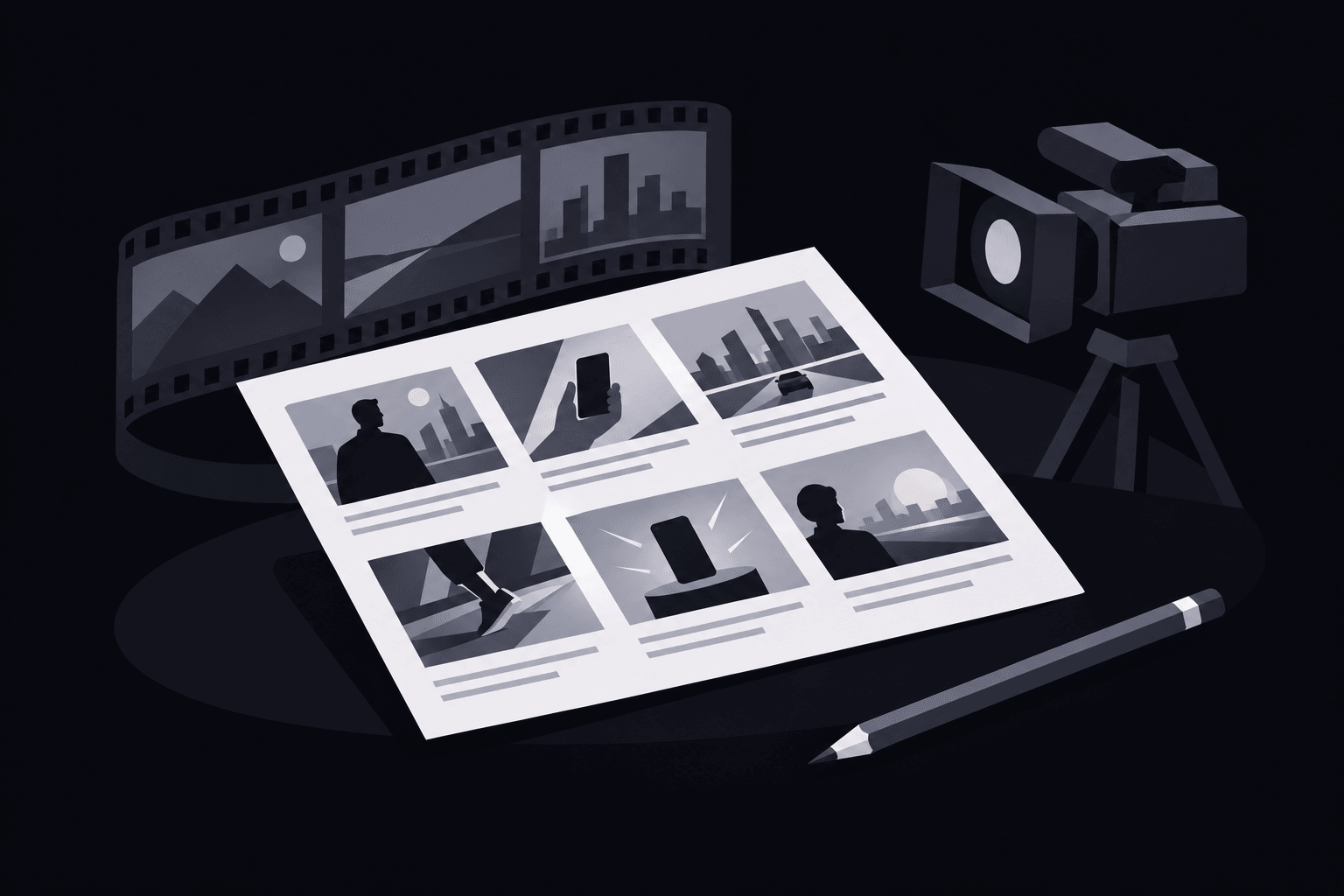
How to Storyboard a Video Ad: A Practical Scene-by-Scene Guide
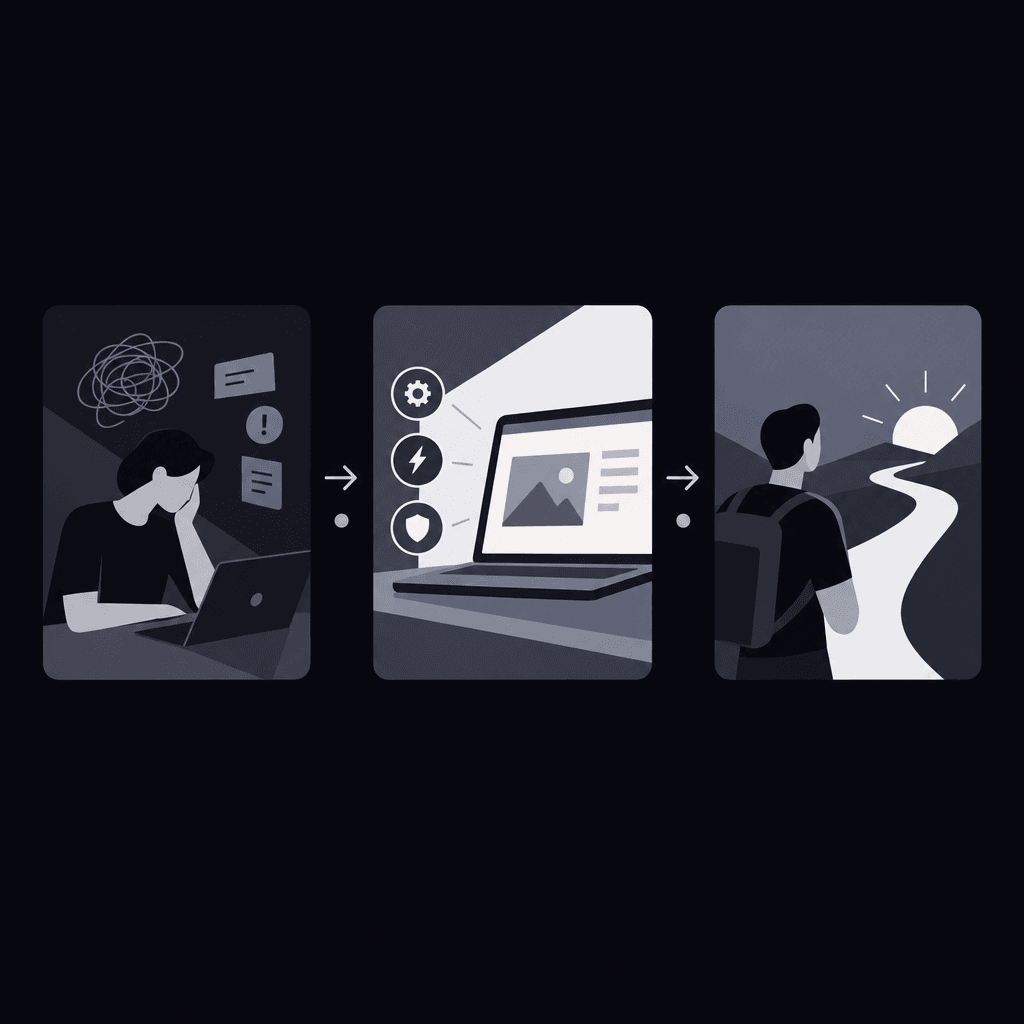
A cursor hovers over an approval request, but the reviewer field is empty. That specific moment can anchor a B2B ad. The answer to how to storyboard a video ad starts with defining the audience, goal, and call to action, then mapping each scene to its visual, message, audio notes, and estimated duration.
The storyboard should connect a buyer's problem to a visible product action, supportable proof, and a relevant next step. Before drawing, the team reviews the script for focus and product visibility. The timed B2B SaaS script examples can help turn a broad pitch into a sequence that fits a short ad.
Define the buyer and outcome before deciding how to storyboard a video ad
A useful starting statement names the buyer, the friction, and the intended action. For a hypothetical approval tool, that statement might be: "An operations lead needs to see how an approval request reaches its reviewer before considering a product demonstration."
This narrows the story. The ad doesn't need to explain every setting or describe the entire organization. It needs to make the relevant workflow understandable.
- Audience: Identify the person evaluating the workflow, not just the industry.
- Problem: Choose an observable obstacle, such as an unassigned review request.
- Product action: Select an action the actual product can demonstrate.
- Proof: Identify the approved screen or evidence supporting the message.
- Next step: Match the video ad call to action to the destination and the buyer's readiness.
"Explore the approval workflow" fits a destination that explains that workflow. A promise about seeing the product shouldn't lead to an unrelated general-interest page.
Build a scene-planning table before polishing panels
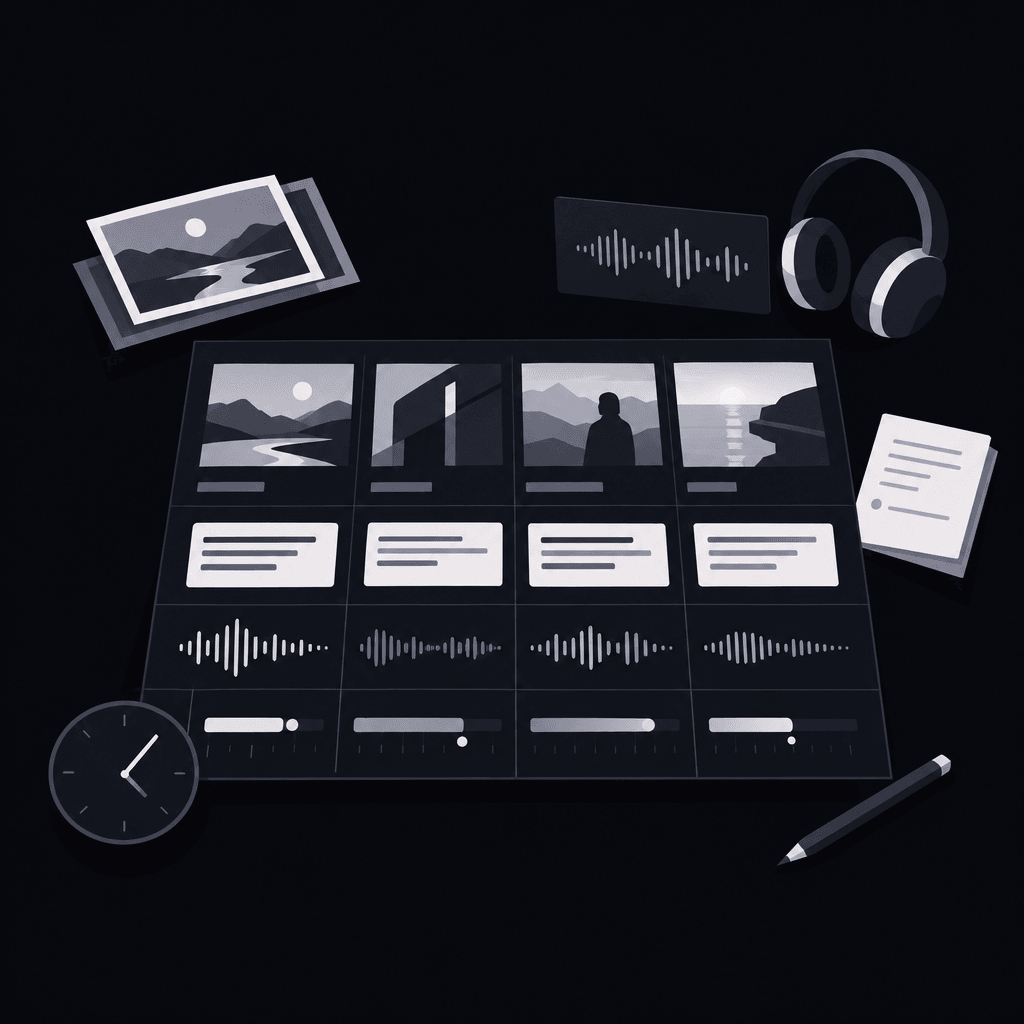
For teams learning how to storyboard a video ad, a table exposes missing logic faster than polished illustrations. Each row should explain what changes on screen and why that change matters.
Panel: A panel represents a planned visual moment, with notes that explain its action and purpose.
Animatic: An animatic brings static storyboard panels into a timed sequence so the team can review pacing before final production.
| Scene job | Visual and framing | Message and audio | Estimated duration and checks |
|---|---|---|---|
| Establish the problem | Show the buyer's context, then isolate the obstacle. | Name the friction without exaggerating its consequences. | Time the hook aloud; confirm that the obstacle is visible immediately. |
| Demonstrate the mechanism | Show an approved product action and its resulting state. | Explain only what the viewer can follow on screen. | Measure the time needed to recognize the action and read its label. |
| Support the promise | Hold on an observable result or approved evidence. | State what the evidence supports, without adding unsupported outcomes. | Allow enough reading time for any qualification. |
| Offer the next step | Use a clear closing frame with the destination or action. | Keep the spoken and written instructions aligned. | Hold until the action is understandable; check the total runtime. |
This reusable video storyboard template becomes production-ready when the team adds measured durations, exact copy, asset references, and placement notes. For screen-led ads, the guide to product videos without filming expands on planning with approved screenshots and graphics.
See how to storyboard a video ad around a hypothetical SaaS workflow
The following SaaS explainer storyboard describes an imaginary approval product. Its reviewer-selection and status-display behaviors are fictional assumptions, not claims about Vidrava AI or any existing software. A real team must confirm equivalent behavior before using this sequence.
The buyer is an operations lead. The message is that a request's reviewer and status can be made visible. The next step is a workflow demonstration, rather than an immediate purchase.
| Scene | Visual direction | Message and audio notes | Timing cue and purpose |
|---|---|---|---|
| Unclear ownership | Begin on a request view; move closer to the empty reviewer field. | On-screen text: "Reviewer unassigned." Narration describes unclear ownership without claiming delays. | Brief opening beat. Establish the exact problem the ending must resolve. |
| Product action | Show a reviewer being selected in the hypothetical interface. | On-screen text: "Reviewer selected." Narration follows the visible action. | Action-led beat. Keep the relevant control visible throughout the change. |
| Observable result | Hold on the selected reviewer and a visible pending status. | On-screen text: "Reviewer and status visible." No performance claim or customer quote. | Reading hold. Let the displayed state support the narrow promise. |
| Relevant next step | Move to a closing card naming the workflow demonstration. | On-screen text: "Explore the approval workflow." Audio reinforces the same destination. | Closing hold. Make the action legible before the ad ends. |
The timing cues are provisional, not final durations. During the read-through, the producer records how long each action and message actually needs, then trims the sequence to the intended ad length.
The continuity matters more than decorative transitions: an empty field becomes an assigned reviewer, and the ending offers more detail about that same workflow. For other buyer concerns, the buyer-question explainer examples offer a useful way to select the central demonstration.
Test framing, reading time, and continuity
Rough sketches are enough if they communicate action and layout. Wide shots establish context; close-ups isolate a product detail or reaction. Every framing choice should help the viewer understand the scene.
A practical test of how to storyboard a video ad is whether someone unfamiliar with the product can follow the sequence without an explanation from its creator.
- Play the panels as a timed sequence with temporary audio.
- Review the ad without sound to check whether its main message remains understandable.
- Check text at the intended viewing size and against placement overlays.
- Remove narration that competes with essential interface reading.
- Compare the closing promise with the opening problem.
For a 15-second ad, an opening hook can occupy 0-3 seconds, as illustrated in a short-form storyboarding guide. That isn't a universal allocation: the complete sequence still needs to fit its intended duration without rushing the demonstration.
And when testing alternative openings, the rest of the board should remain stable enough for a meaningful comparison. The B2B SaaS hook testing guide explains that planning choice in more detail.
What belongs in the production handoff?
The handoff needs approved copy, scene instructions, asset locations, measured timing, placement requirements, and a separate record of verified claims.
Knowing how to storyboard a video ad includes knowing which instructions permit creative interpretation. "Move closer to the reviewer field" is direction; "automatically assigns every request" is a product claim requiring confirmation.
- Creative instructions: Specify framing, movement, transitions, text placement, and audio cues.
- Claim checks: Connect every product statement to approved documentation or demonstrated behavior.
- Asset permissions: Confirm permission for screenshots, logos, music, and other materials; remove confidential customer information.
- Acceptance checks: Require readable text, accurate screens, message continuity, and an ending that fulfills the hook.
For teams considering Vidrava AI video generation, the planning logic aligns with its brief, plan, generate, export workflow. The storyboard can inform the written brief; this doesn't imply storyboard import or automatic panel matching.
Review effort belongs in production planning too. The SaaS explainer budgeting guide helps separate generation spending, revision allowances, and internal labor.
FAQ
Does how to storyboard a video ad change when there is no narrator?
The same scene logic applies, but visible actions and text must carry the message. Reading time becomes especially important, and essential meaning shouldn't depend on music or sound effects.
Can screenshots replace drawn panels?
Yes. Approved screenshots can communicate interface layout more clearly than drawings. Annotations should identify the crop, cursor movement, changing state, and text that must remain readable.
What should happen when the storyboard runs long?
Remove repeated messages or secondary features before accelerating every scene. The product action and closing instruction still need enough time to make sense.
How does a storyboard differ from a shot list?
The storyboard explains the visual sequence and its message. The shot list translates that plan into individual assets or recordings needed for production.
That's how to storyboard a video ad: connect problem, demonstration, evidence, and action.