Software Explainer Video Examples by B2B Buyer Question
Updated 2026-11-03
Software Explainer Video Examples by B2B Buyer Question
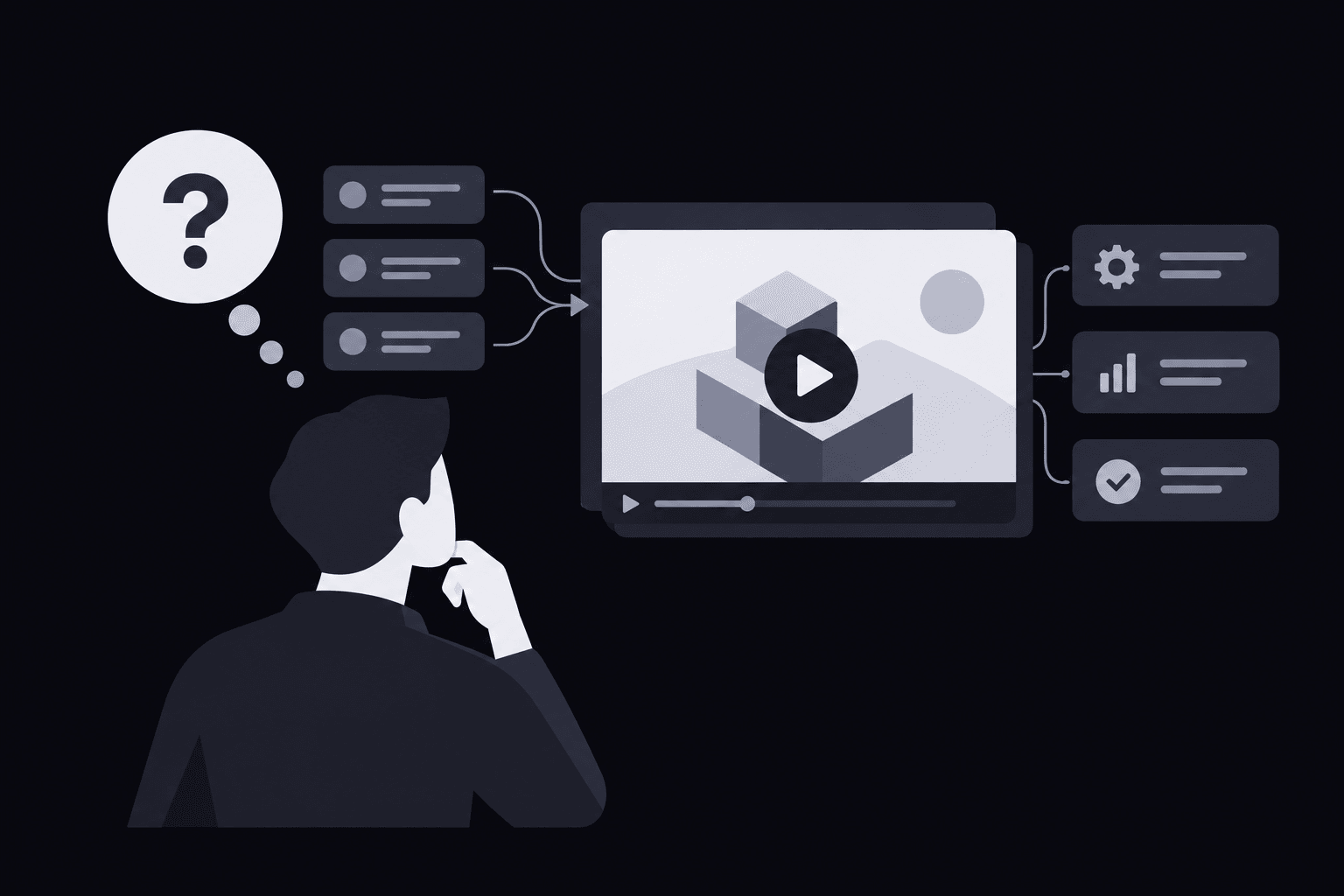
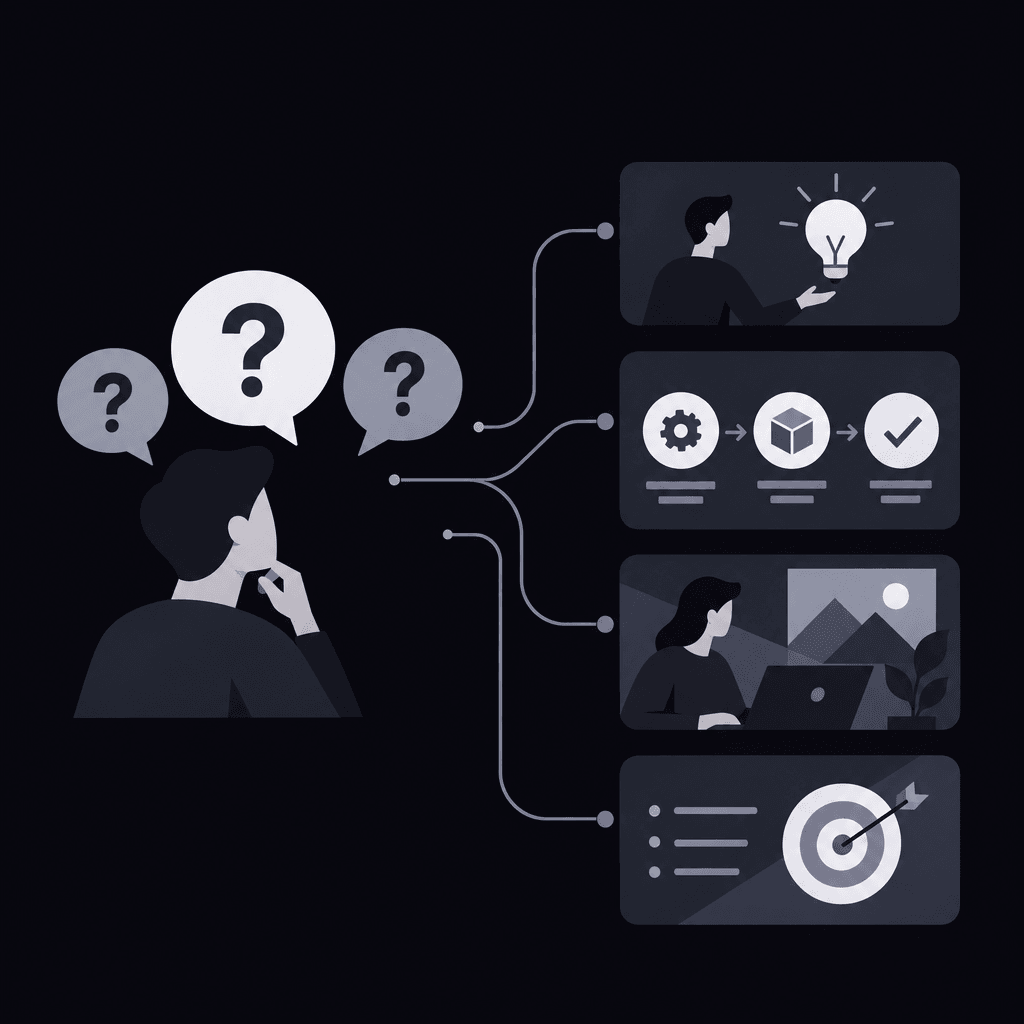
Which software explainer video examples should a B2B team model? The best fit depends on the question the buyer needs answered, rather than visual style alone: an operations lead needs handoff visibility, a finance lead needs traceable reporting, a support manager needs clear ticket ownership, and an HR lead needs onboarding accountability.
For the broader scriptwriting process, teams can learn how to write a SaaS explainer for a specific business buyer.
Operations: software explainer video examples for handoff visibility
Hypothetical example: project management software
Buyer question: "Where does work stall between teams, and who needs to act?"
Sample opening line: "A launch task is marked complete, but the next team still doesn't know it's ready."
This model fits an operations lead whose concern is coordination across departments. The story should follow a dependency through a handoff, rather than display a dashboard full of unrelated projects.
| Scene and purpose | Product evidence required |
|---|---|
| A completed task sits beside a waiting task, establishing the coordination problem. | An accurate task view showing status, ownership, and the relationship between tasks. |
| The upstream owner passes work to the receiving team, explaining the mechanism. | The actual assignment, notification, or handoff action. Automation appears only if supported. |
| The operations lead spots the blocked item, showing management visibility. | A real filter or view that exposes blockers without invented alerts. |
| The receiving owner acknowledges the work, resolving the workflow. | A supported status change or activity record confirming the handoff. |
Next-step CTA: "Cross-team handoff demo." The destination should demonstrate the same dependency, not restart with a broad feature tour.
Choose this model when stalled coordination is the buying trigger. If the main concern is capacity planning, a different workflow is needed. A buyer-specific video brief can document that boundary before production.
Finance: reporting software that makes numbers traceable
Hypothetical example: reporting software
Buyer question: "Can finance explain where a reported number came from?"
Sample opening line: "The reporting meeting stops when the same metric appears with different totals."
For a finance lead, software explainer video examples should make the path from source to report inspectable. A polished chart alone won't answer questions about definitions, filters, or refresh timing.
- Conflicting reports: Establish why reconciliation matters. Evidence needed: clearly labeled demonstration reports with a plausible difference, not fabricated customer data.
- Source connection: Show how information enters the product. Evidence needed: the actual supported import or connection method; no implied integrations.
- Metric inspection: Open the definition and relevant filters. Evidence needed: real calculation logic and any refresh information the product exposes.
- Report review: Follow the metric into a shareable report. Evidence needed: the supported sharing or export behavior, including visible restrictions.
Next-step CTA: "Source-to-report walkthrough." Choose this approach when traceability is the objection. It doesn't establish accounting compliance or audit readiness unless those claims have separate support.
Production spending also needs a defensible scope. A SaaS explainer budget helps separate generation spending, revisions, and internal review work.
Once the evidence is approved, Vidrava AI's video generation offers an idea-to-finished-video approach organized around brief, plan, generate, and export. Product claims still require the team's review.

Support: software explainer video examples for ticket ownership
Hypothetical example: help desk software
Buyer question: "Will each incoming request have a clear owner, especially during escalation?"
Sample opening line: "A customer request reaches the queue, but responsibility gets lost when another team becomes involved."
The support manager needs to see accountability survive the handoff. These workflow explainer video examples work best when the same request remains visible throughout the story.
- Arrival: Introduce an unassigned request. Evidence needed: a genuine inbox or queue view using fictional customer details.
- Assignment: Show responsibility becoming explicit. Evidence needed: the real manual assignment control or supported routing rule, accurately distinguished.
- Escalation: Pass context to the next owner. Evidence needed: supported notes, history, or escalation controls; no suggestion that unavailable channels are connected.
- Manager review: Confirm who owns the next action. Evidence needed: an actual status and owner view, without claiming faster resolution.
Next-step CTA: "Ticket escalation demo." This is the right model when lost ownership matters more than response drafting or knowledge-base search.
And the visual treatment should preserve context. Guidance on purposeful camera movement can help direct attention between the ticket, owner, and history without making interface details unreadable.
HR: employee onboarding software that exposes missing steps
Hypothetical example: employee onboarding software
Buyer question: "Can HR see which onboarding tasks remain unfinished and who owns them?"
Sample opening line: "A new employee's start date approaches while equipment, paperwork, and manager tasks sit in separate places."
For this concern, software explainer video examples should show task visibility, not promise employee satisfaction or retention gains.
- Preparation: Open a fictional new-hire record. Evidence needed: the real fields and task setup.
- Responsibility: Show tasks assigned across departments. Evidence needed: supported roles, ownership, and relevant visibility controls.
- Exception: Surface an unfinished task. Evidence needed: an actual filter, status, or reminder, with no invented automation.
- Review: Show HR checking progress. Evidence needed: the genuine completion view, without equating task completion with legal compliance.
Next-step CTA: "Onboarding task walkthrough." Choose this structure for coordination concerns. A shorter campaign version can follow short B2B SaaS ad scripts while retaining the unfinished task and its owner.
FAQ
How should software explainer video examples be evaluated without campaign results?
Evaluate the buyer-question fit, the clarity of the workflow, and whether every claim has visible support. An example can guide structure without proving conversion performance. Attractive production isn't evidence of business impact.
What changes in a software demo vs explainer?
The explainer establishes why a workflow matters and how the product addresses it. A demo can examine the controls, setup, and exceptions in more detail. The CTA should carry the same buyer question into that deeper inspection.
Can an unfinished feature appear in a scene?
A proposed interface shouldn't appear as an available capability. The safer approach is to remove that scene or replace it with a currently supported workflow. An explanatory animation must not imply functionality the product doesn't offer.
Should different stakeholder roles share the same video?
Only when they share the same concern and need the same evidence. Finance and operations may inspect the same dashboard for different reasons. Separate openings and proof sequences are useful when a shared version obscures either role's decision.
Selection checklist: adapt the example without copying its claims
When comparing software explainer video examples, the strongest model is the one the product team can substantiate from opening problem to closing action.
- Name the decision: Record the buyer's role and the concern preventing the next conversation.
- Match the workflow: Select the closest example, then remove scenes that don't answer that concern.
- Attach evidence: Pair each scene with an approved screen, product behavior, or documented limitation.
- Check claim boundaries: Remove unsupported integrations, automation, compliance statements, and outcome promises.
- Align the destination: Ensure the CTA leads to a demo or walkthrough that continues the same question.
Tool selection comes after that evidence check. A video tool selection framework can help teams evaluate product accuracy, workflow fit, and approval effort rather than visual appeal alone.
The next action is to select the closest of these software explainer video examples and place its opening line beside an approved product screen. Any mismatch between the promise and the visible behavior should be corrected before the remaining scenes are drafted.