How to Make Product Videos Without Filming
Updated 2026-10-07
How to Make Product Videos Without Filming
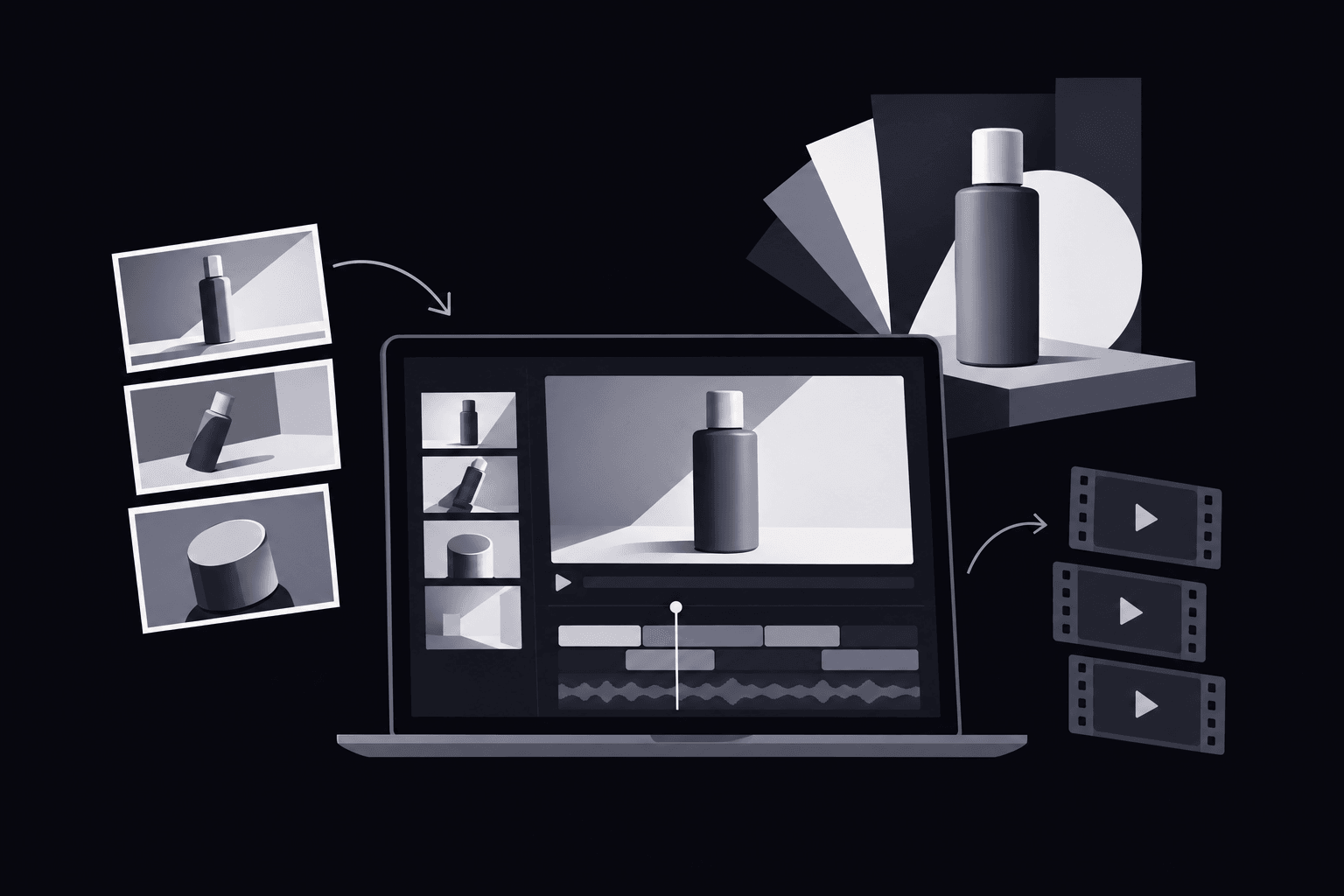
At a launch review, a product marketer might have enough approved desk-organizer photos for a five-scene video, but no filming session on the calendar. The answer to how to make product videos without filming is to turn existing photos, screenshots, text, and graphics into a scripted visual sequence using editing, animation, or AI generation. A product photos versus video comparison helps you test whether incremental purchases justify adding video.
The useful starting point isn't a tool. It's a specific audience, a product benefit supported by evidence, and a next step. For a store team deciding what to promote, the online store video use case provides a relevant starting point.
Planning how to make product videos without filming
A lean team needs a production brief narrow enough to finish. One product video shouldn't explain every feature, serve every buyer, and support every stage of a sale.
A practical brief records:
- Audience: The buyer or user with a recognizable problem.
- Placement: The product page, landing page, or social placement where the video will appear.
- Benefit: The useful change the product can actually deliver.
- Evidence: The approved image, product specification, or software behavior supporting that benefit.
- Next step: The destination that continues the story, such as a product page or demo request.
For a desk organizer, the objective could be showing how separate compartments keep everyday items sorted. For a SaaS task board, it could be explaining how visible ownership helps a team understand responsibility. Both are more useful production targets than “make the product look exciting.”
Gathering assets and connecting them to claims
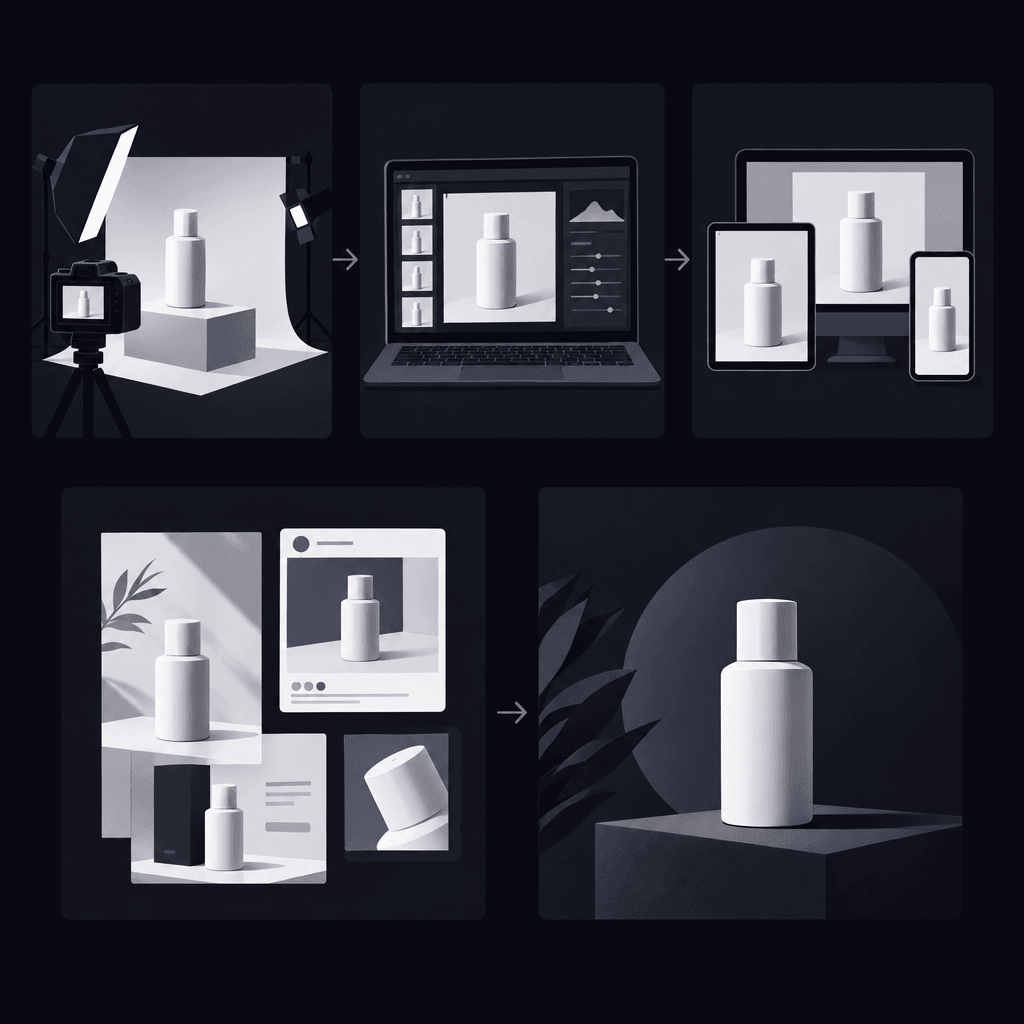
A practical approach to how to make product videos without filming starts with an asset audit, not a generation prompt. Product pages, approved specifications, brand graphics, and current interface screenshots establish what the finished video may accurately show.
The source folder should separate approved materials from references. Each asset needs a clear usage right, a current version, and a claim it can support. Stock imagery can illustrate context, but it shouldn't stand in for the actual product or imply a real customer outcome.
An asset-to-storyboard worksheet
Each planned scene can use the same worksheet fields: audience problem, source asset, approved claim, visual treatment, destination, and reviewer. Any empty source or claim field signals a scene that isn't ready for production.
- Physical product example: A top-down organizer photo supports a scene about separate compartments. A crop can highlight the layout; it shouldn't suggest dimensions or capacity that the specifications don't confirm.
- SaaS example: A current task-board screenshot supports a scene about visible ownership. A highlight can direct attention to the assignee field; it shouldn't imply automatic assignment unless that behavior exists.
Teams planning SaaS product explainer videos can use the SaaS explainer use case to connect positioning to a focused explanation. Customer records, account details, and other sensitive information should be removed from source screenshots before production.

Turning the brief into a five-scene storyboard
A product video script should give each scene a distinct job. The visual shows the relevant detail; the text explains why it matters. Repeating the same claim in every scene wastes attention.
The following product video storyboard works as a planning example, with separate treatments for a physical product and software. It isn't a statement about a particular tool's controls.
- Customer problem. The organizer version uses a simple graphic of scattered desk items. The SaaS version uses a text-led graphic about unclear task ownership. Neither requires a fabricated customer story.
- Product introduction. An approved organizer photo establishes the actual object. A current software screenshot establishes the actual interface. The product name stays readable.
- Key benefit. A close crop highlights the organizer's compartments. A software crop highlights the assignee field. The accompanying text describes organization or visible responsibility, without promising measured productivity gains.
- Supporting detail. The organizer video shows a confirmed feature from its specifications. The software video shows an approved detail about assigning an owner, supported by current documentation or a verified demonstration.
- Next step. The physical-product version points toward the matching product page. The software version points toward the relevant demo or trial destination, only if that offer exists.
A rough storyboard should pass review before motion is added. If a reviewer can't connect a scene to an approved source, a polished animation won't solve the underlying problem.
An assembly workflow for how to make product videos without filming
The production method should follow the available evidence. A still image may need only a crop and a caption; a software interaction may need an actual screen recording.
| Approach | Useful material | Main accuracy check |
|---|---|---|
| Editing and graphic animation | Approved photos, text, and graphics | Crops and labels preserve the product's meaning. |
| Screen recording | Software, websites, and online platforms | The recording shows current, reproducible behavior. |
| AI-generated motion | Static product imagery and contextual visuals | Generated frames preserve appearance and don't invent performance. |
To make product videos from photos, a general editing workflow places approved images in storyboard order, adds restrained movement, and pairs each shot with its caption. Consistent backgrounds and readable typography often matter more than elaborate transitions.
AI models can create pans, zoom effects, floating animations, and environmental context from static imagery. Those treatments need careful inspection: changing a setting can also change apparent scale, materials, or product details.
As a workflow example, Vidrava AI's video generation follows brief, plan, generate, export. Its proposition is “one idea, one finished video.” The asset-handling and assembly recommendations here are general production guidance, not claims that Vidrava AI accepts particular input formats or provides specific editing controls.
For a software landing-page project, the sixty-second SaaS explainer template offers a duration-specific reference. The script still needs room for the interface to remain understandable, rather than racing through every feature.
Checking product accuracy before export
The final test of how to make product videos without filming is whether the result remains truthful when watched frame by frame. Generated visuals must not invent product features, interface behavior, or evidence of results.
A product owner should review the sequence alongside the approved sources, not just judge whether it looks convincing.
- Appearance: Product shape, color, labels, proportions, and included accessories match the real item.
- Behavior: Software interactions and physical demonstrations reflect actual capabilities.
- Claims: Every benefit, comparison, and offer has an approved basis.
- Readability: Important text remains legible at the intended viewing size.
- Destination: The closing action matches the linked page and current offer.
- Rights and privacy: Assets are cleared for use, and confidential information is absent.
Before considering likenesses, voices, or testimonial-style content, teams should review the full acceptable use policy, especially its “Likeness, voices and testimonials” section. A generated first-person story must never be presented as verified customer testimony.
FAQ
Can a small team learn how to make product videos without filming?
Yes. A focused brief, approved assets, and a scene-by-scene review process provide a workable starting point. Production complexity should stay proportional to the claim being explained.
Can a product page provide enough starting material?
Often, a product page supplies the name, images, specifications, and benefits needed for a draft. Each detail still needs checking for accuracy, currency, and permission to reuse.
When is a screenshot insufficient for a software video?
A screenshot can establish appearance but may not explain an interaction. When the message depends on what happens after an action, a verified screen recording can demonstrate the real sequence without filming a presenter.
Should generated movement count as a product demonstration?
No. Generated motion is a visual treatment unless the depicted behavior has independent support. A floating product or animated interface cannot establish durability, usability, speed, or business results.
A repeatable approach to how to make product videos without filming keeps the objective narrow, the sources approved, and the storyboard tied to a useful next step. The caveat most often missed is that a convincing generated scene is still an illustration, not proof of what the product can do.