Product Demo Video Script: Explain a SaaS Approval Workflow
Updated 2026-11-18
Product Demo Video Script: Explain a SaaS Approval Workflow
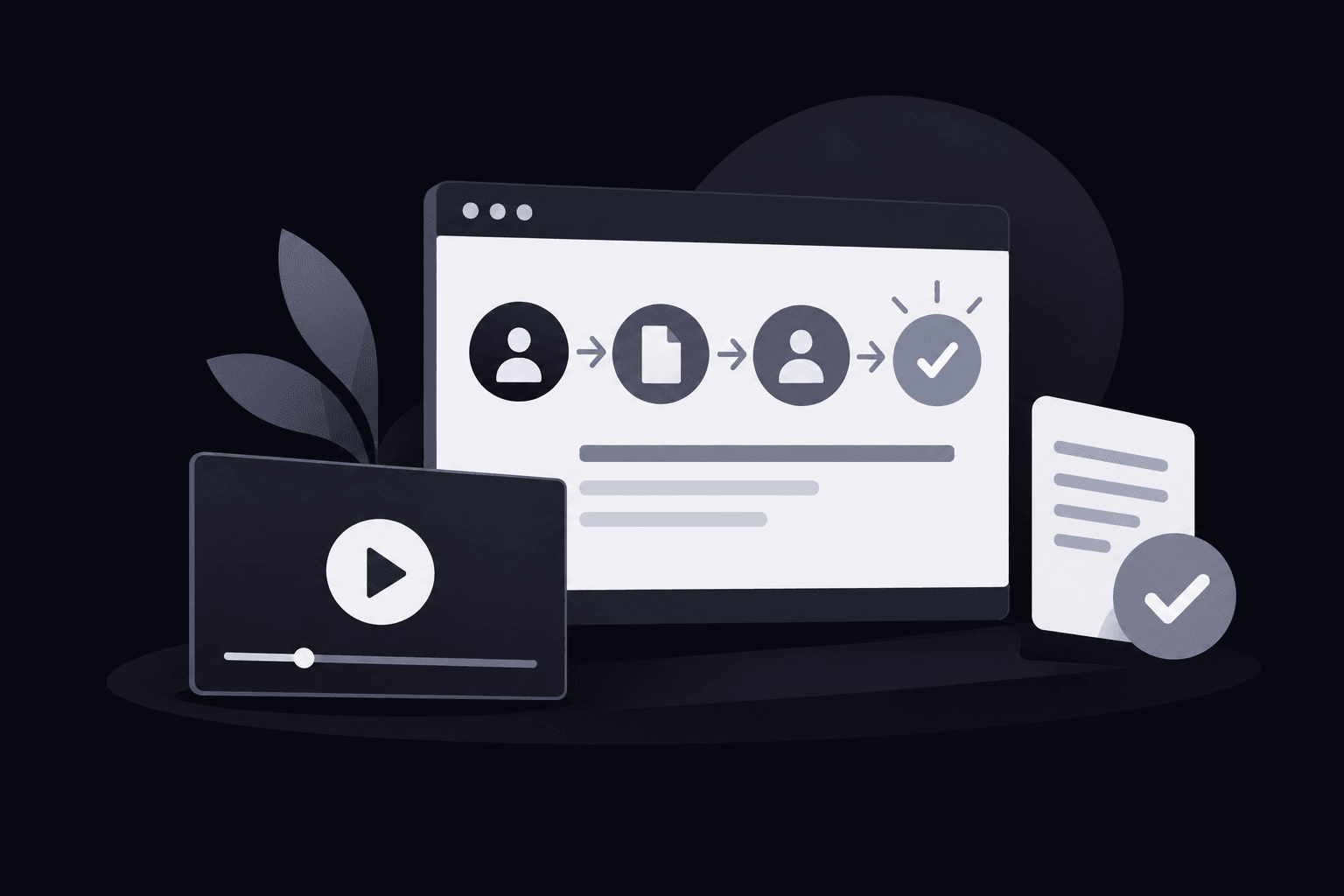
A feature tour can look thorough while leaving a buyer unsure how work gets done. A product demo video script should instead connect a starting state, visible actions, and a resulting state, with narration matched to what appears on screen. For a SaaS approval workflow, that means following the same item from submission through review to the requester's view of its approved status.
For broader production-tool decisions, Best AI Product Video Tools: How to Choose for Your Workflow explains how to evaluate workflow fit.
Define the buyer's question before drafting the product demo video script
The useful question isn't whether the software has an approval feature. It's whether a buyer can understand how a request reaches a reviewer and how the requester learns the outcome.
That question sets the boundaries of the demonstration. The opening needs a recognizable request and an identifiable requester. The middle needs a visible handoff to the reviewer, followed by a decision. The ending needs confirmation in the requester's view. Reporting dashboards, configuration menus, and unrelated integrations belong outside this sequence unless the buyer needs them to understand that handoff.
A practical SaaS demo script begins with a compact planning statement:
- Audience: An operations buyer evaluating an internal approval process.
- Question: How does a submitted purchase request become an approved item that the requester can identify?
- Starting condition: A prepared request is still a draft; a reviewer has already been assigned.
- Completion condition: The same request displays an approved status in the requester's view.
The assignment assumption matters. If reviewer assignment is central to the buyer's decision, the demonstration must show it rather than quietly treating it as completed setup. Otherwise, a short opening label can explain that the reviewer is already assigned.
Teams still agreeing on audience, evidence, or scope can use the SaaS explainer brief guide before writing dialogue.
Map observable actions in the product demo video script
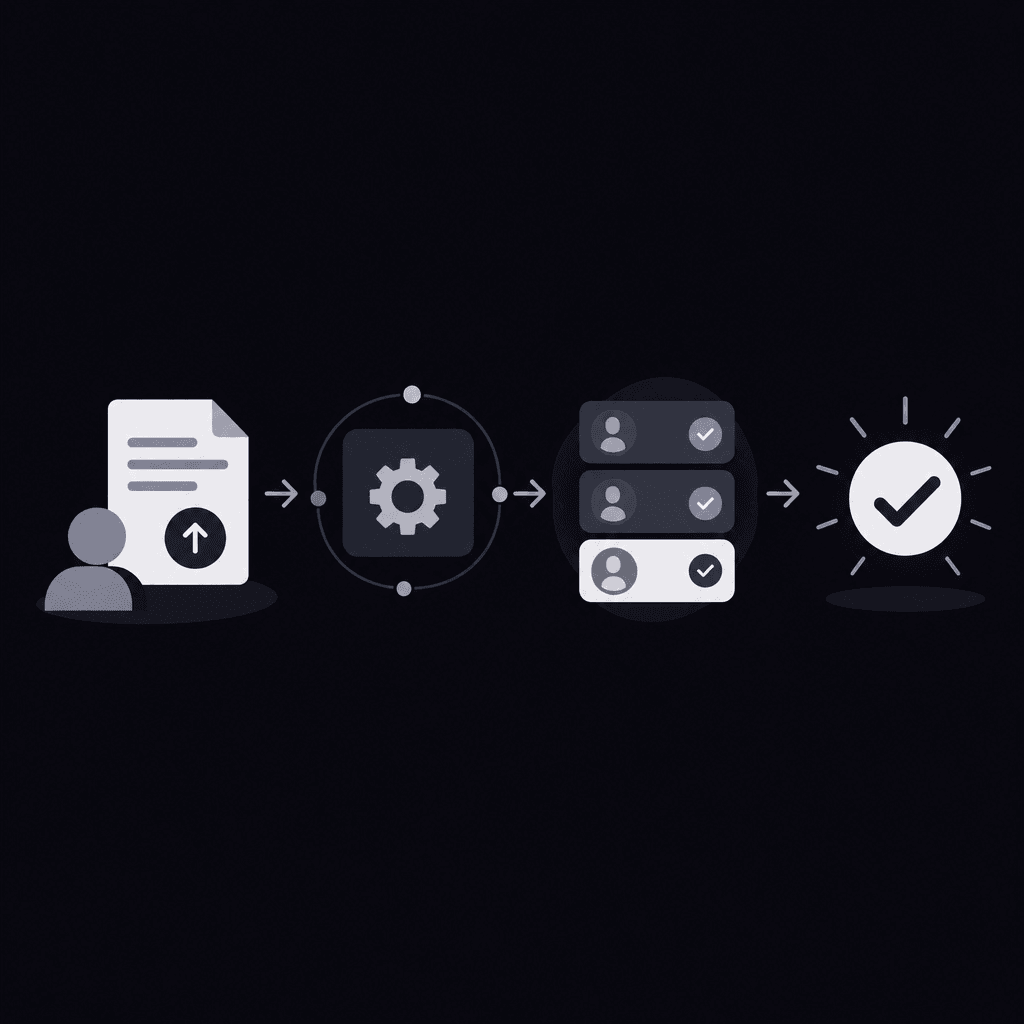
Each scene needs a visible reason to follow the previous scene. The planning sequence is simple: establish the current state, perform an action, show its consequence, and explain only what that consequence supports.
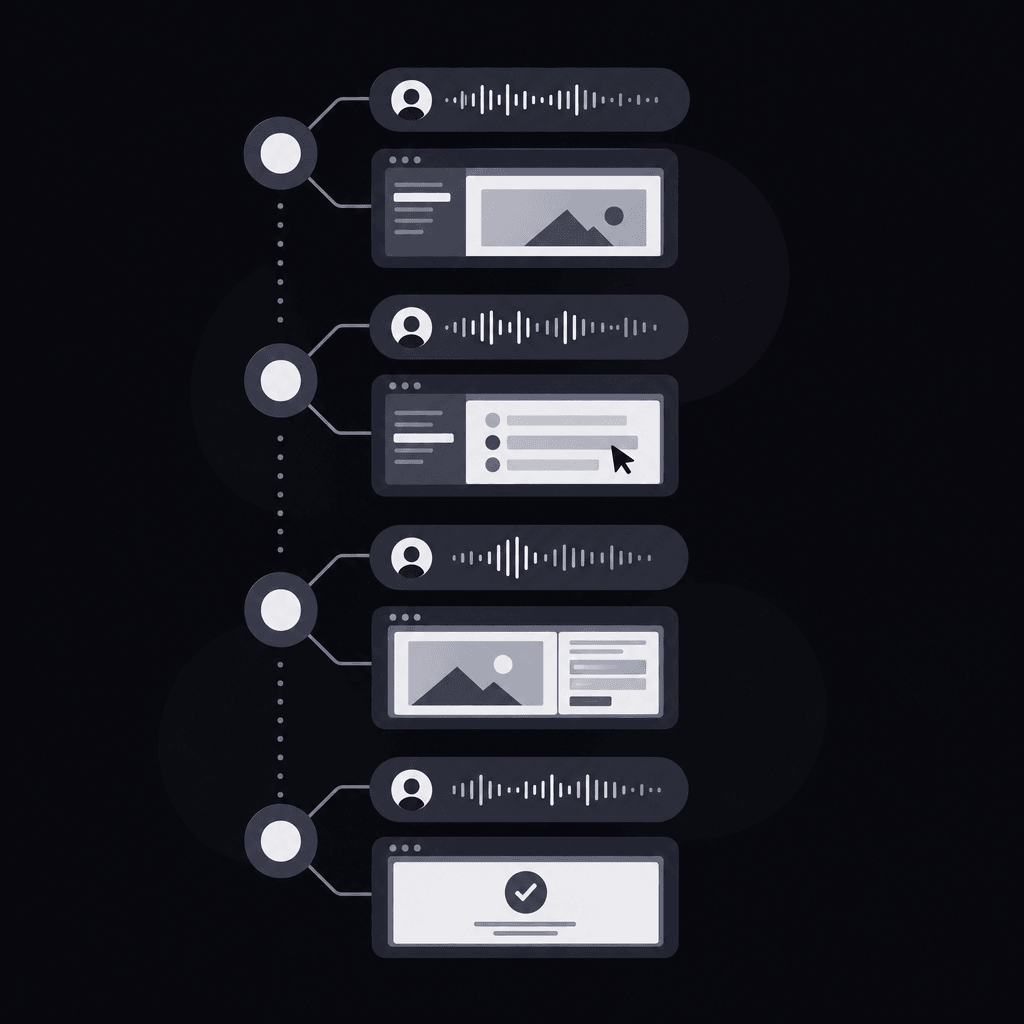
A product demo video script becomes easier to review when every narration line has an identifiable screen event beside it. “The reviewer opens the submitted request” has a clear visual counterpart. “Approvals become effortless” doesn't identify an action, a state, or evidence that a buyer can inspect.
If the screen cannot support a sentence, the sentence needs separate evidence or a rewrite.
Before drafting, the team should map the following dependencies:
- Item continuity: Keep the request title visible across role changes so the buyer recognizes the same item.
- Role continuity: Label requester and reviewer views whenever the perspective changes.
- Action visibility: Show the relevant control and the resulting interface change, not just cursor movement.
- State continuity: Preserve the transition from draft to pending to approved.
- Setup boundaries: Explain any routing or permissions configured before the demonstration begins.
Zooms and annotations can direct attention to a small status label. But an overlay saying “Approved” cannot replace an actual approved state in a demonstration presented as product evidence. Labels explain the interface; they don't establish capabilities.
If the evaluation question concerns something other than approvals, the buyer-question explainer examples offer a way to choose a more relevant scenario.
Study an annotated approval-workflow script
The following software demo script example is hypothetical. It assumes a purchase-request application with draft, pending, and approved states, an assigned reviewer, and separate requester and reviewer views. These are planning assumptions, not verified capabilities of a named product.
The table doubles as a reusable product demonstration script template: replace the item, role names, controls, and states with those verified in the actual software.
| Starting state | On-screen action | Narration | Resulting state |
|---|---|---|---|
| Requester view: “Design software renewal” is a draft with a reviewer assigned. | Show the request title, draft label, completed details, and reviewer field. | “The requester has prepared a software renewal request and selected its reviewer.” | The buyer can identify the item, its current state, and its intended reviewer. |
| The prepared request remains a draft. | Select Submit and hold on the changed status. | “Submitting the request changes its status to Pending review.” | The same request shows Pending review. |
| Reviewer view: the submitted request appears in the review queue. | Label the role change and open the matching request. | “The assigned reviewer opens the submitted renewal request.” | The request details are visible in the reviewer view. |
| The reviewer has the pending request open. | Select Approve and show the resulting status. | “The reviewer approves the request. Its status now reads Approved.” | The reviewer sees the approved state. |
| Requester view: the request list is visible again. | Refresh the list, then open the same request. | “After refreshing the list, the requester sees that the renewal request is approved.” | The requester sees the same item marked Approved. |
What each transition helps the buyer verify
The opening establishes identity and prerequisites. Submission proves a state change. Opening the request in the reviewer view makes the handoff understandable. Approval connects a decision to its result. Returning to the requester closes the loop instead of ending with an isolated reviewer action.
The refresh is deliberate.
This example doesn't claim instant synchronization or automatic notifications. If the actual application updates without refreshing, the script should show that behavior. If a notification is part of the buyer's question, it needs its own visible evidence rather than a passing narration claim.
Replace broad benefits with visible proof
- Instead of: “The platform eliminates approval delays.” Use: “The submitted request appears in the reviewer's queue.”
- Instead of: “Everyone stays informed automatically.” Use: “The requester sees Approved after refreshing the request list.”
- Instead of: “Every decision is compliant.” Use: “The request now displays an approved status.”
These replacements aren't weaker explanations. They give the buyer something concrete to evaluate without turning a demonstrated action into an unsupported business outcome.
Check the script before production
The product demo video script should pass a continuity review before anyone produces the final visuals. A reviewer unfamiliar with the workflow should be able to identify who acts, what changes, and how the item reaches its final state.
Use this demo script checklist during a read-through alongside the planned screens:
- Missing steps: Does the item reach the reviewer through an explained route? Are required confirmation dialogs included?
- Unexplained terms: Are interface labels understandable without internal shorthand?
- Narration-screen mismatches: Does each sentence describe the state visible at that moment?
- Unsupported claims: Does any line promise speed, savings, compliance, or automation that the demonstration doesn't establish?
- Role changes: Can the viewer distinguish requester actions from reviewer actions?
- Readable evidence: Are status labels, request names, and reviewed captions legible at the intended viewing size?
- Privacy: Are customer details and sensitive request contents replaced with approved demonstration data?
Assign a scene duration only after testing the action and narration together. Each state needs enough screen time to be recognized. If the sequence feels long, remove unrelated navigation before cutting the handoff or the final confirmation.
For an explanatory production handoff, Vidrava AI's video generation follows a brief, plan, generate, export framing; exact software behavior still needs verification rather than an assumption of faithful interface reproduction.
Once the script is approved, turning a brief into prompts helps translate it into clear production instructions.
For a separate promotional edit, the B2B SaaS ad script examples address advertising hooks and storyboards without replacing the evaluation walkthrough.
FAQ
Where should a product demo video script end?
It should end when the buyer's workflow question is answered. Here, that means showing the requester the approved status, not stopping when the reviewer selects Approve.
Should reviewer assignment appear on screen?
Assignment belongs on screen when routing is part of the evaluation. Otherwise, the opening should clearly identify the preassigned reviewer so the handoff doesn't seem unexplained.
Can an interface mockup serve as product evidence?
A labeled mockup can explain a proposed flow, but it doesn't verify working software. An evaluation demo should distinguish illustrative screens from demonstrated product behavior.
How much navigation can be removed?
Repetitive navigation can be shortened when item identity and role changes remain clear. Required decisions, confirmation steps, and meaningful status transitions should remain visible or explicitly explained.
Next time the product demo video script changes, check that the same request remains identifiable, every role handoff is clear, and the final status still supports the narration.