AI Video Prompt Examples for Camera Movement: A Guide
Updated 2026-10-07
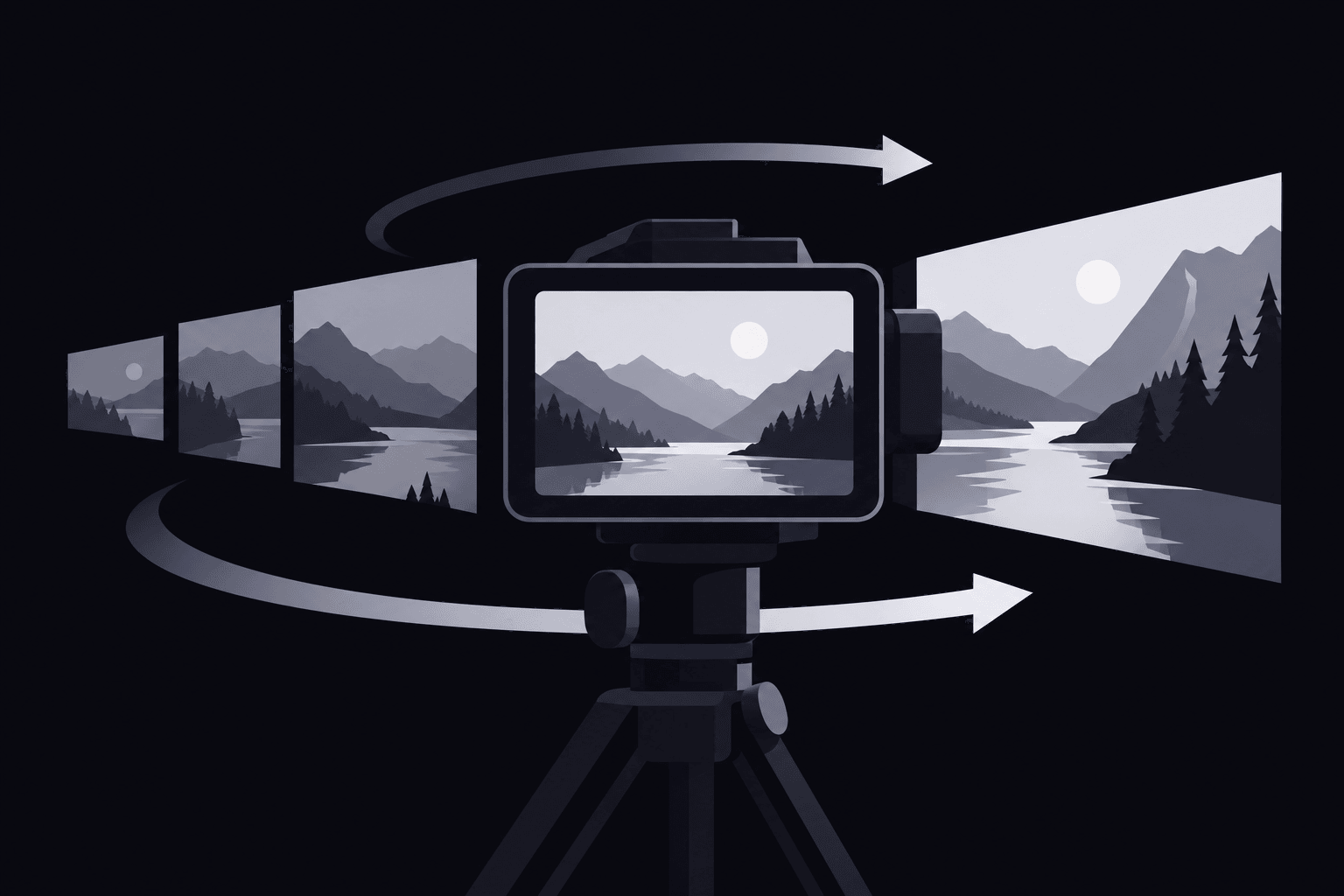
AI Video Prompt Examples for Camera Movement: A Practical Guide
At storyboard review, a SaaS marketing manager has a sixty-second explainer to plan and a dashboard detail that needs attention. The proposed shot moves, but the important control never becomes clear—a visible prompt mismatch. Useful ai video prompt examples for camera movement specify subject, setting, framing, direction, pace, and endpoint: "Start with a medium shot of a desk lamp on an office desk, then slowly dolly forward toward its control dial, keeping the lamp stationary and ending on a close-up."
Camera motion belongs in the shot plan, before generation. Teams assembling approved assets can use the product video planning workflow to establish the sequence, then refine the movement within each shot.
Build ai video prompt examples for camera movement around an endpoint
The endpoint makes a movement useful: a readable control, a visible product edge, or a clear destination. "Make it cinematic" doesn't identify any of those outcomes.
A reusable structure is: "Show [subject] in [setting], starting in [framing]. Move the camera [direction] at [pace], ending on [endpoint]. Keep [subject action or continuity constraint]." Replace each field with a concrete instruction rather than stacking style adjectives.
For a desk-lamp ad, the opening example directs attention toward the control dial. Its intended outcome is feature discovery, not simply a closer view. If the lamp rotates instead, revise the subject instruction to: "The lamp and base remain fixed; only the camera moves."
Framing: Framing describes what appears inside the image and how much space the subject occupies.
Continuity: Continuity means the subject and relevant scene details remain consistent as the shot progresses.
Choose dolly or zoom for a product-detail reveal
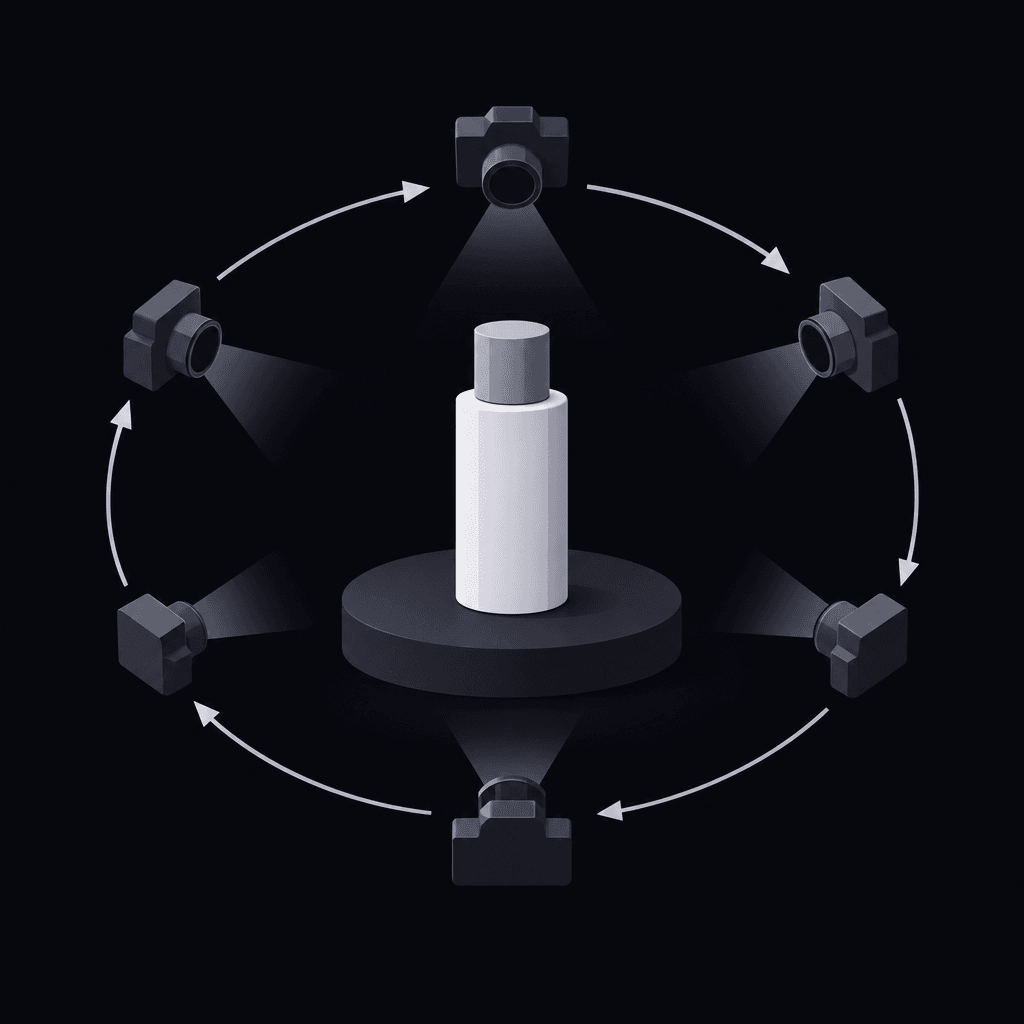
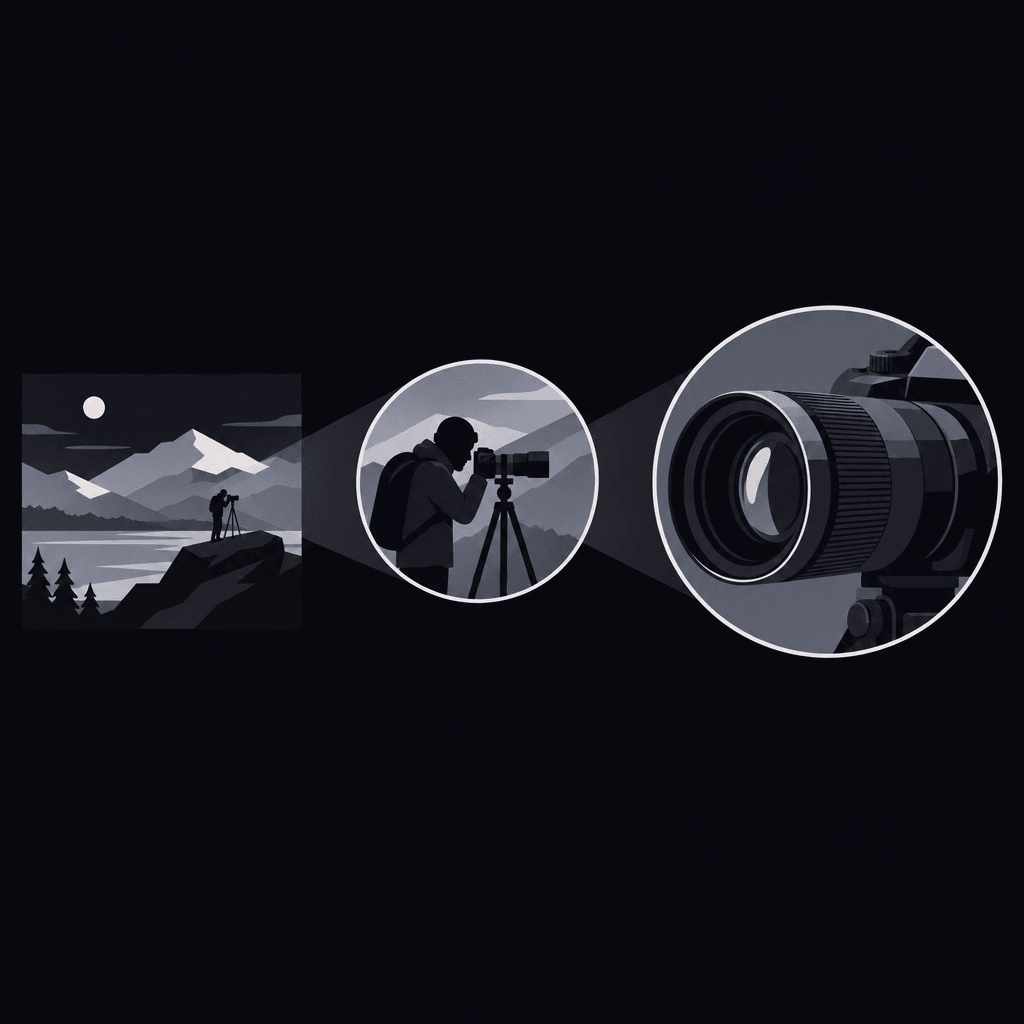
When comparing ai video prompt examples for camera movement, the key distinction is whether the viewpoint should travel or the framing should tighten. A dolly appears to move through space; a zoom changes the apparent magnification from a fixed camera position.
| Business goal | Copy-ready prompt | Intended visual outcome |
|---|---|---|
| Reveal a physical feature | "Dolly slowly forward from a medium shot of a stationary desk lamp toward its control dial. Keep the base fixed and end with the dial clearly framed." | The changing viewpoint directs attention toward the feature. |
| Emphasize a package label | "From a fixed camera position, slowly zoom toward the front label of a stationary carton. Use crisp studio lighting. Keep the label readable and the carton shape stable." | The label occupies more of the frame without camera travel. |
These zoom vs dolly prompts should remain separate variants. Asking for both can make the intended movement ambiguous.
Common failure: The camera gets closer, but the dial drifts out of frame. Revision: "Keep the control dial centered throughout; stop when the complete dial is visible in close-up." If lettering changes, that isn't a successful label shot, regardless of how polished the movement looks.
Product video camera prompts should support a purchase-relevant detail. The product video and photo comparison helps teams decide whether motion adds useful information or a still already communicates the feature.
Use ai video prompt examples for camera movement to distinguish pan from tracking
A pan rotates the camera left or right from a fixed position. A tracking shot moves the camera through the scene, often alongside a subject. For a product lineup, that distinction changes how surfaces and spacing appear.
Pan to introduce a stationary lineup
"From a fixed camera position, pan slowly right across a row of stationary desk organizers on a studio shelf. Maintain level framing and end with the document tray centered. Keep the products unchanged."
The intended outcome is an orderly introduction. If products slide across the shelf, replace vague language such as "move across the products" with "rotate the camera right; the shelf and products remain stationary."
Track to show physical depth
"Move the camera slowly right, parallel to a stationary desktop scanner on an office counter. Maintain its distance from the scanner and end with the output tray clearly visible. The scanner remains still."
Tracking shot prompts suit a reveal that depends on viewpoint travel. If the result merely rotates from a fixed position, reinforce "camera travels sideways along the counter." For a short ad, the timed B2B SaaS scripts can help connect that reveal to the surrounding message.
Separate tilt from vertical camera travel
The same distinction applies vertically: a tilt rotates the camera upward or downward from a fixed position, while vertical travel changes the camera's height. Useful ai video prompt examples for camera movement make that physical difference explicit.
Tilt variation: "From a fixed camera position in front of a freestanding kiosk, tilt slowly upward from its base to its display. The kiosk remains stationary. End with the whole display visible."
Vertical-travel variation: "Lower the camera slowly in a straight vertical path in front of a storage cabinet. Keep the lens facing forward and the cabinet stationary. End with the lower compartment clearly visible."
The tilt introduces the object's height; the descent reveals a lower feature. If a descent becomes a downward-looking rotation, revise it to "camera height decreases; camera angle stays level." Pan and tilt prompts need the fixed-position instruction when rotation, rather than travel, is the goal.
Keep SaaS interface movement subordinate to the explanation
A software screen rarely benefits from a complicated camera path. A simple sequence can establish the workspace, push toward a relevant area, and reveal the feature.
"Start with the full reporting dashboard visible on a laptop in a quiet office. Slowly push toward the report-filter area. Keep the laptop stationary and the interface layout unchanged. End with the filter area clearly framed."
For SaaS explainer video prompts, critical labels still need review. The SaaS explainer use case provides context for connecting a visible feature to the software's positioning.
Adapt the shot to supported controls and troubleshoot failures
Treat ai video prompt examples for camera movement as shot specifications, not promises that every generator interprets them identically. Check the selected tool's current controls before planning around reference images, camera settings, duration, or aspect ratio.
If a dedicated camera control exists, keep its selection consistent with the written prompt. If the workflow only accepts text, state the intended movement plainly. Avoid assuming that a named cinematography term is a supported preset.
Vidrava AI's video generation follows a brief, plan, generate, export workflow. That framing makes the shot plan a useful place to record the intended movement and review criteria, without assuming particular camera controls are available.
- Conflicting motion: Remove combinations such as "locked camera" and "orbit around the product." Keep the movement required by the message.
- Subject moves instead: Put camera travel and subject behavior in separate sentences.
- Feature leaves the frame: Name what must remain visible and where the shot ends.
- Motion obscures detail: Reduce the pace or shorten the intended path before adding more instructions.
- Revision changes everything: Change a single variable at a time and preserve the rest of the prompt.
For ad refreshes, movement is a creative variable, not proof of better performance. The creative fatigue diagnosis guide helps separate a visual refresh from a messaging problem.
FAQ
What makes ai video prompt examples for camera movement useful for marketing teams?
They pair a motion instruction with a communication goal and a visible endpoint. "Dolly toward the control dial" is easier to review than "make the product exciting" because the intended feature is explicit.
Can a camera move compensate for an unclear product message?
No. Movement can direct attention, but the shot still needs a feature or action worth noticing. If the endpoint doesn't explain anything useful, the message needs revision before the camera instruction does.
Should camera movement and interface animation happen together?
They can, but both need clear instructions. During troubleshooting, holding the interface steady can help isolate whether camera motion or scene changes are causing the failure.
When should a planned moving shot become a static shot?
When motion repeatedly hides the detail, changes the product, or makes important text unreliable. A stable frame that communicates the feature is more useful than movement that distracts from it.
Next time the team adapts ai video prompt examples for camera movement, check the supported controls, stationary elements, motion path, and final frame before committing the shot to generation.